Preparation
Prerequisites
- AWS Account: An account for the TESTING environment.
- Administrator rights: Make sure you are using an IAM user with Administrator privileges.
- AWS CLI: Make sure you are ready to use the AWS CLI to simulate attacks from your computer.
Implementation
Activate Amazon GuardDuty
- Sign in to AWS Console, access the GuardDuty service.
- Start by selecting Get Started.
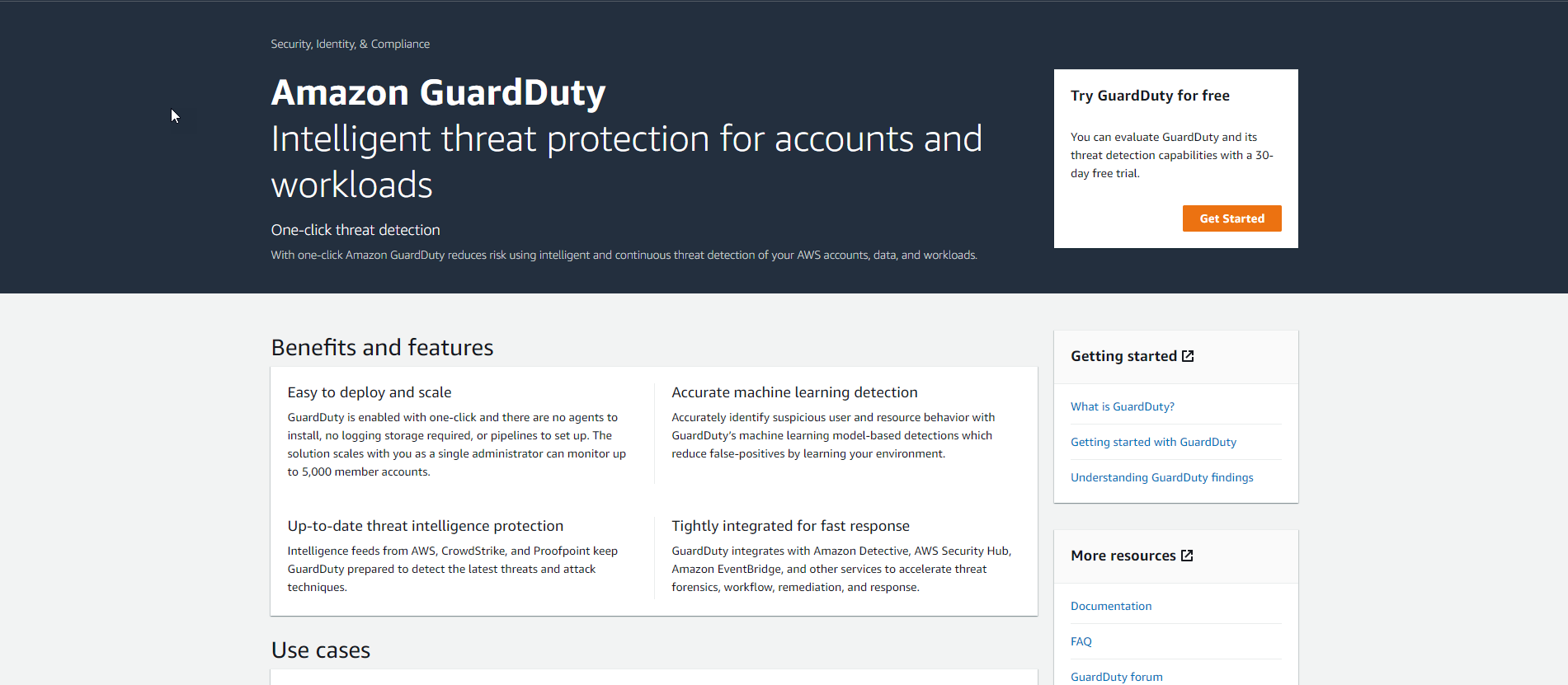
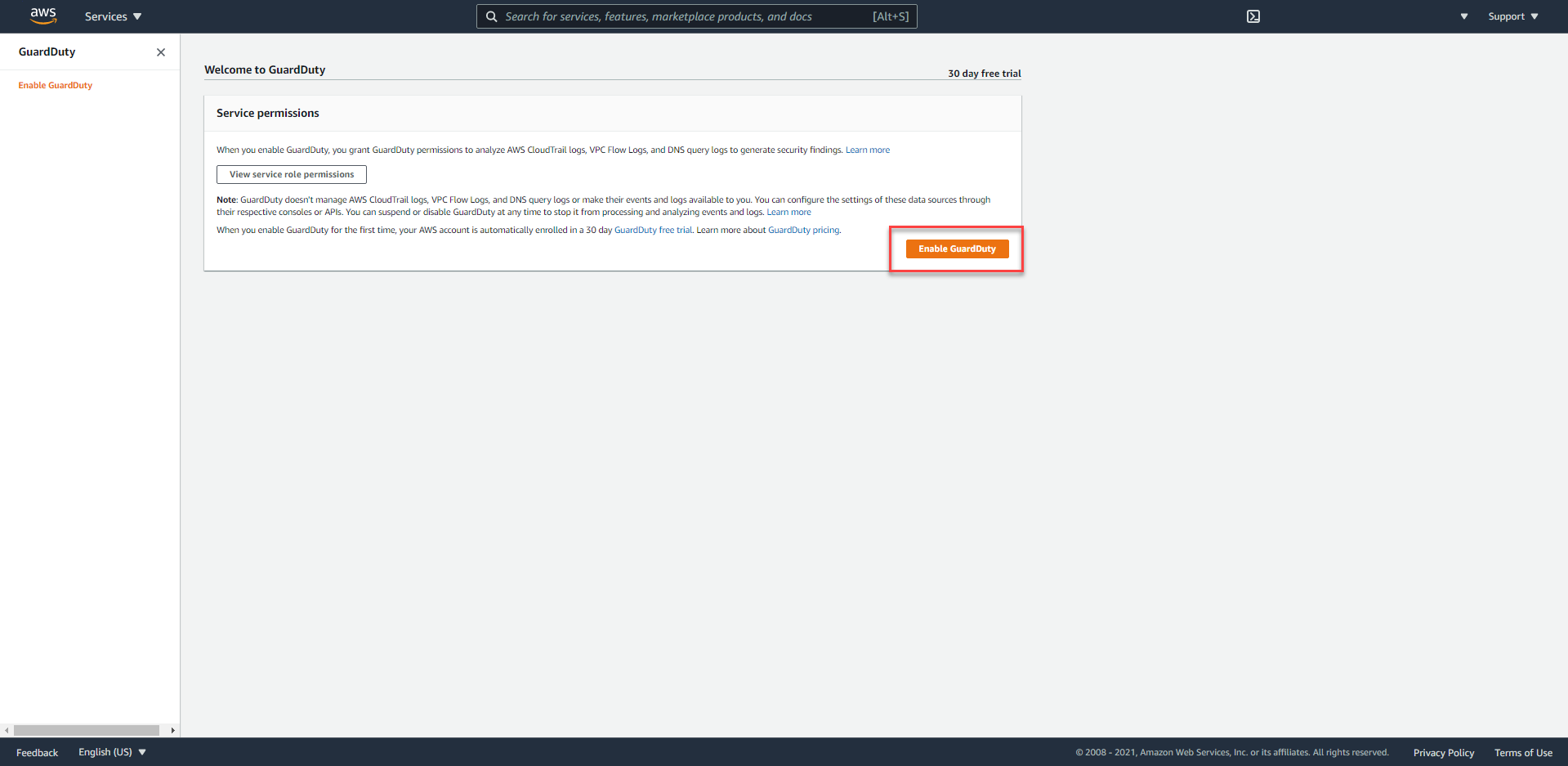
- For new accounts, AWS will give us a 30-day trial, to start using, click the
Enable GuardDutybutton.
Prepare resources with AWS CloudFormation
- Sign in to AWS Console, access the CloudFormation service.
- Proceed to create a new Stack by pressing the
Create Stackbutton. - On the
Create Stackpage,
- Download the template here
- Proceed to upload the Template by selecting
Upload a template fileand using theChoose filebutton to choose the downloaded template.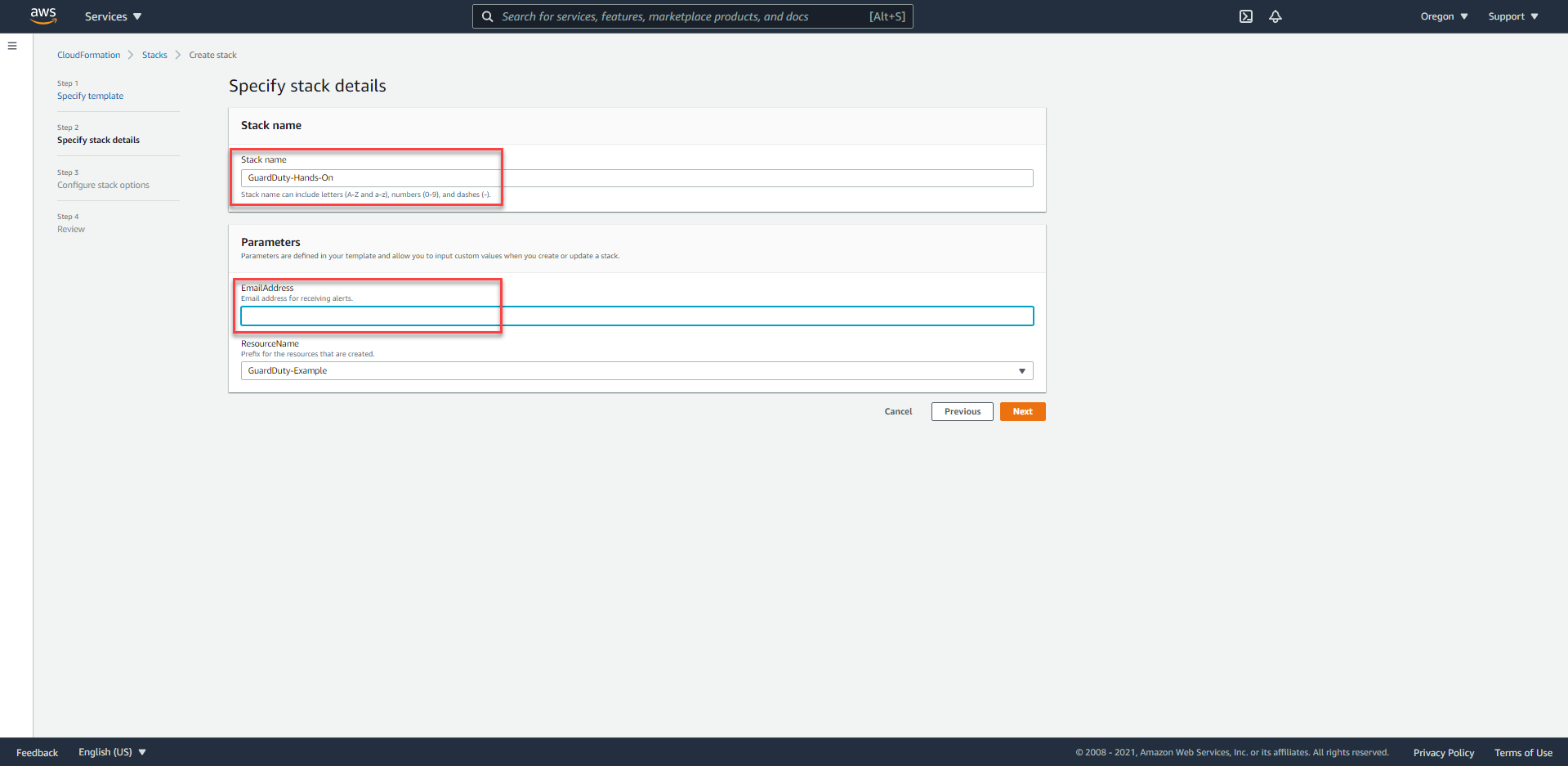
- On the
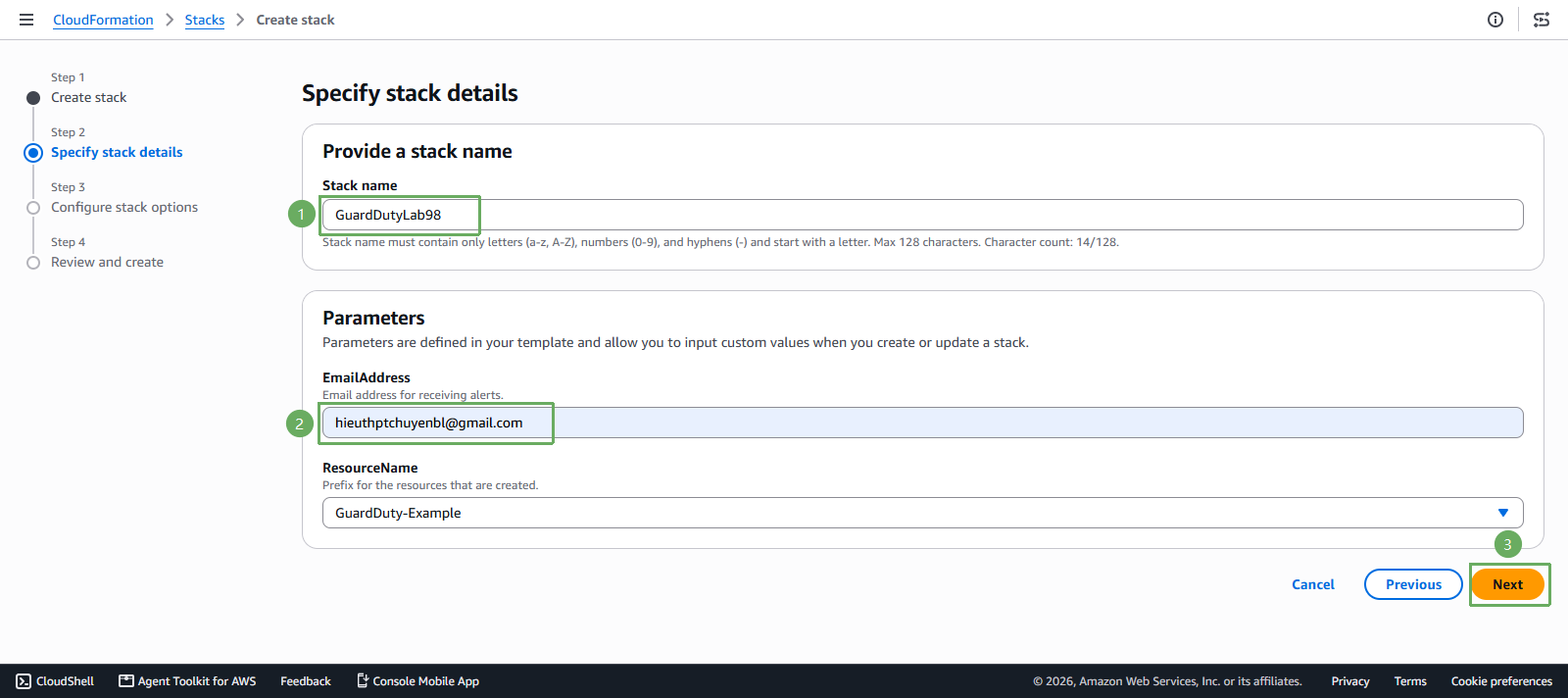
Specify Stack Detailspage, underProvide a stack nameandParameters, we will enter some required information as follows:- Stack name:
GuardDuty-Lab98-Workshop EmailAddress: Personal Email account to receive notifications.
- Stack name:
- On the
Configure stack optionspage, underCapabilities, proceed to accept (Acknowledge) to allow the Template to create IAM roles, and select the Next button.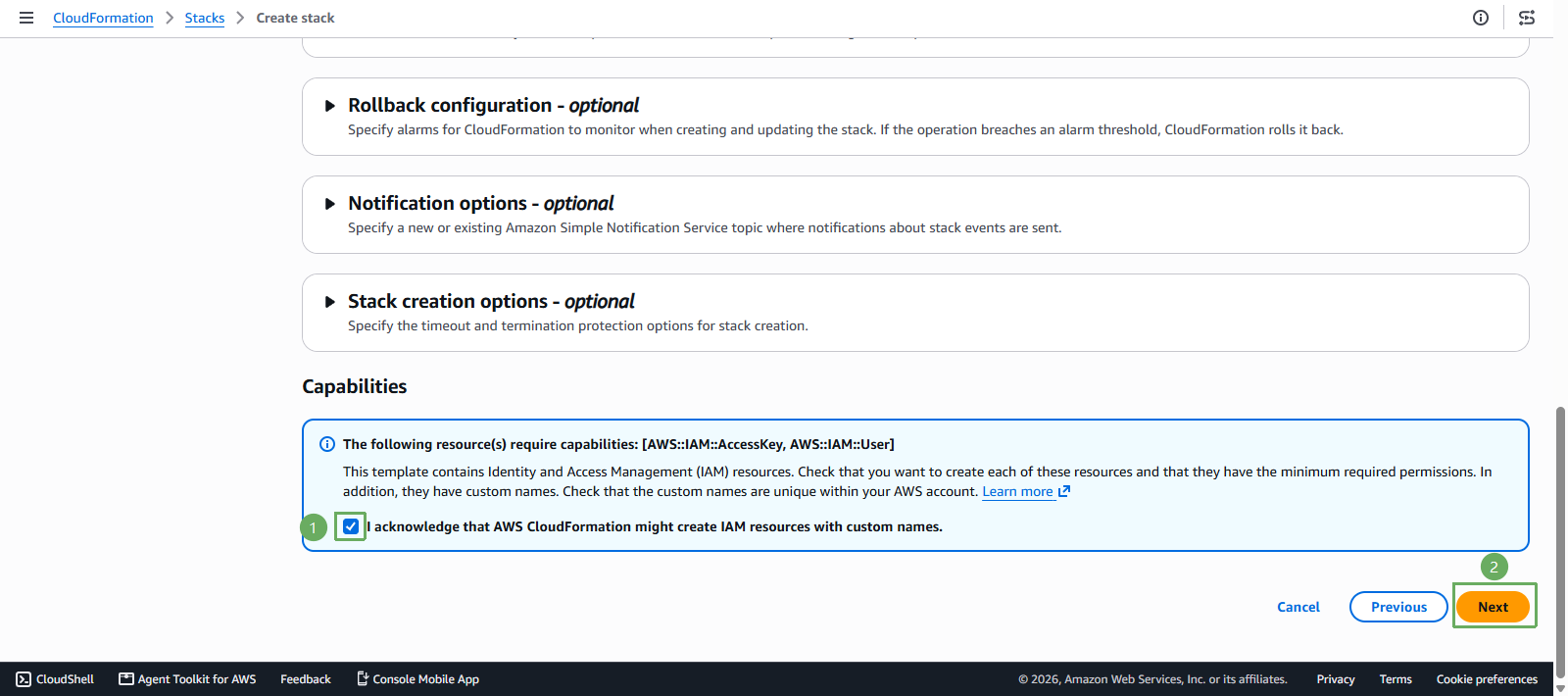
- On the
Review and createpage, select the Submit button to create the resources.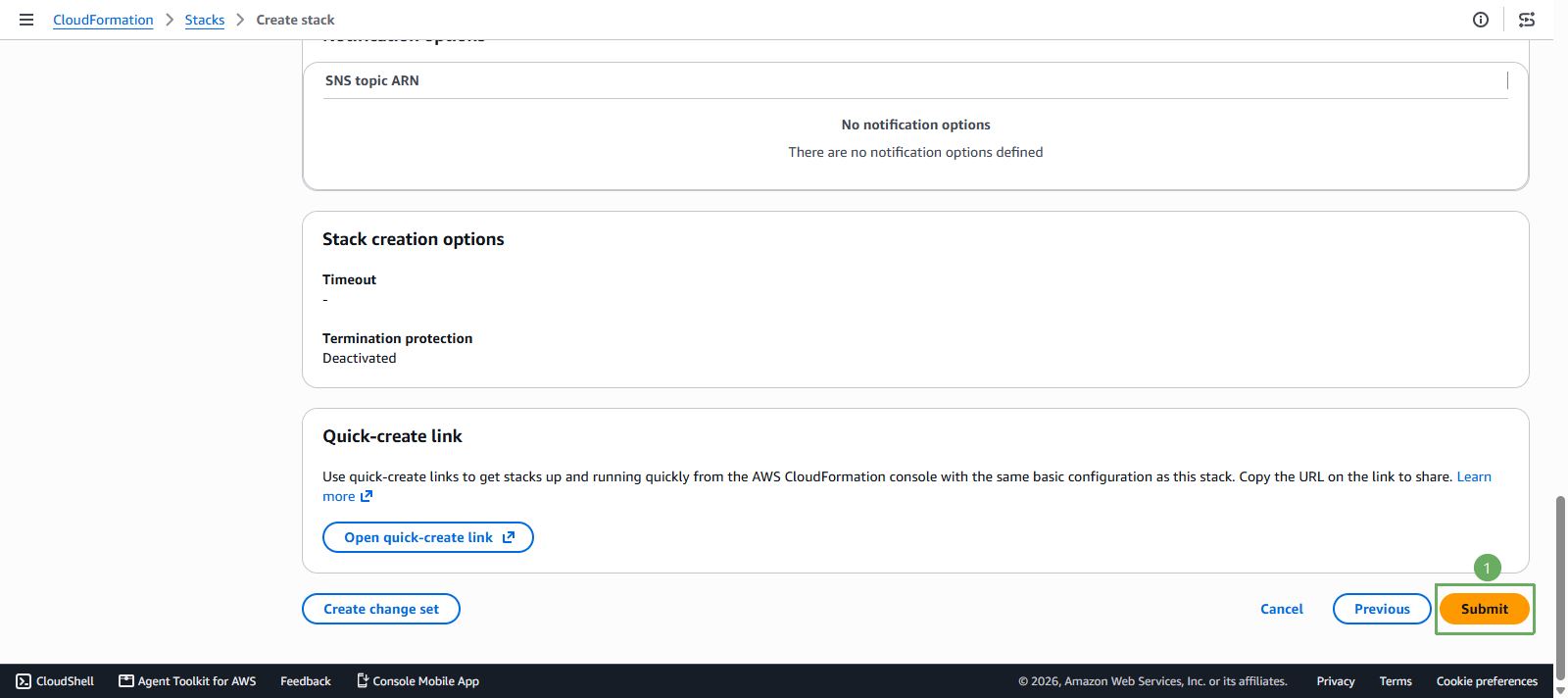
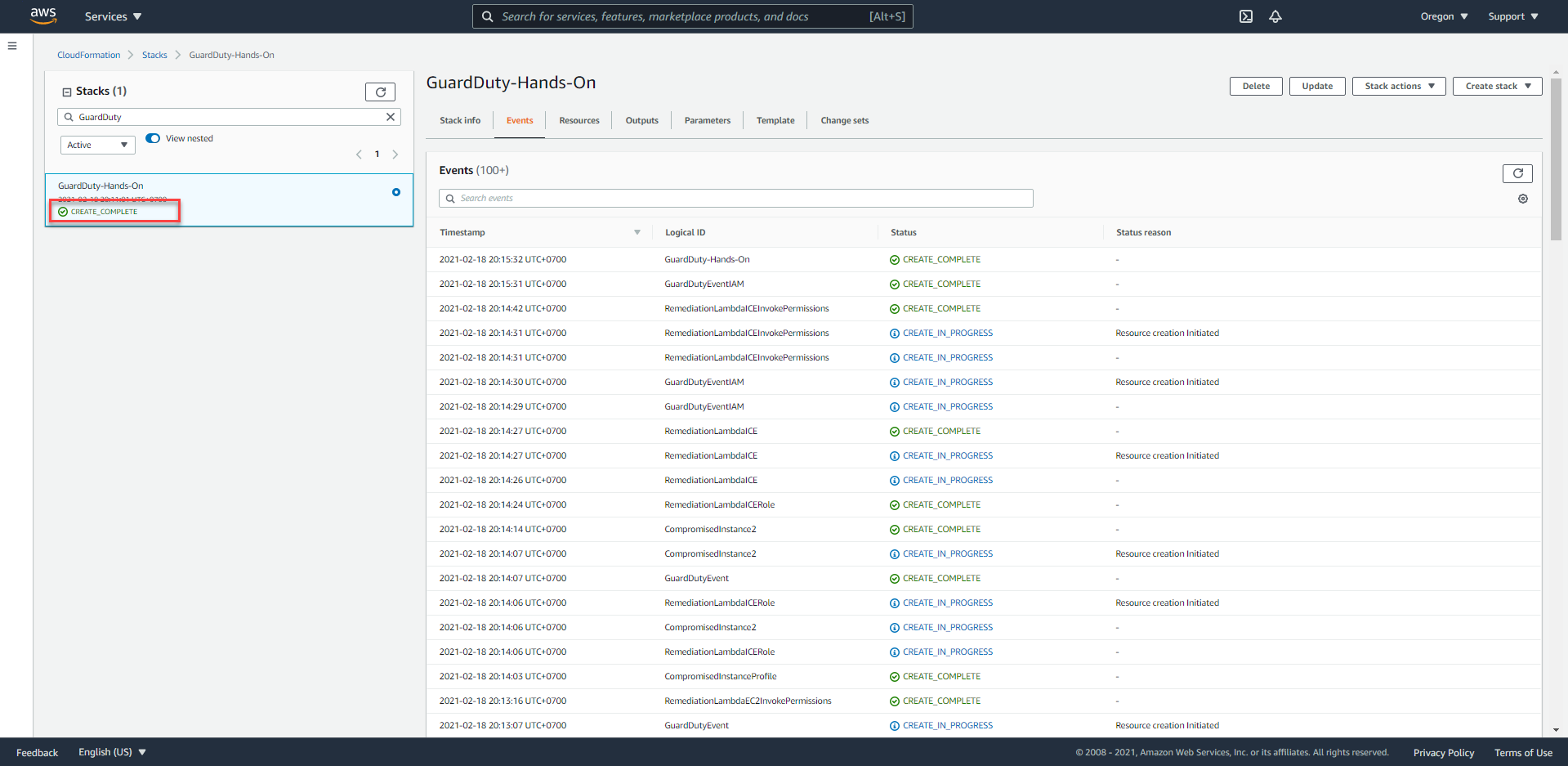
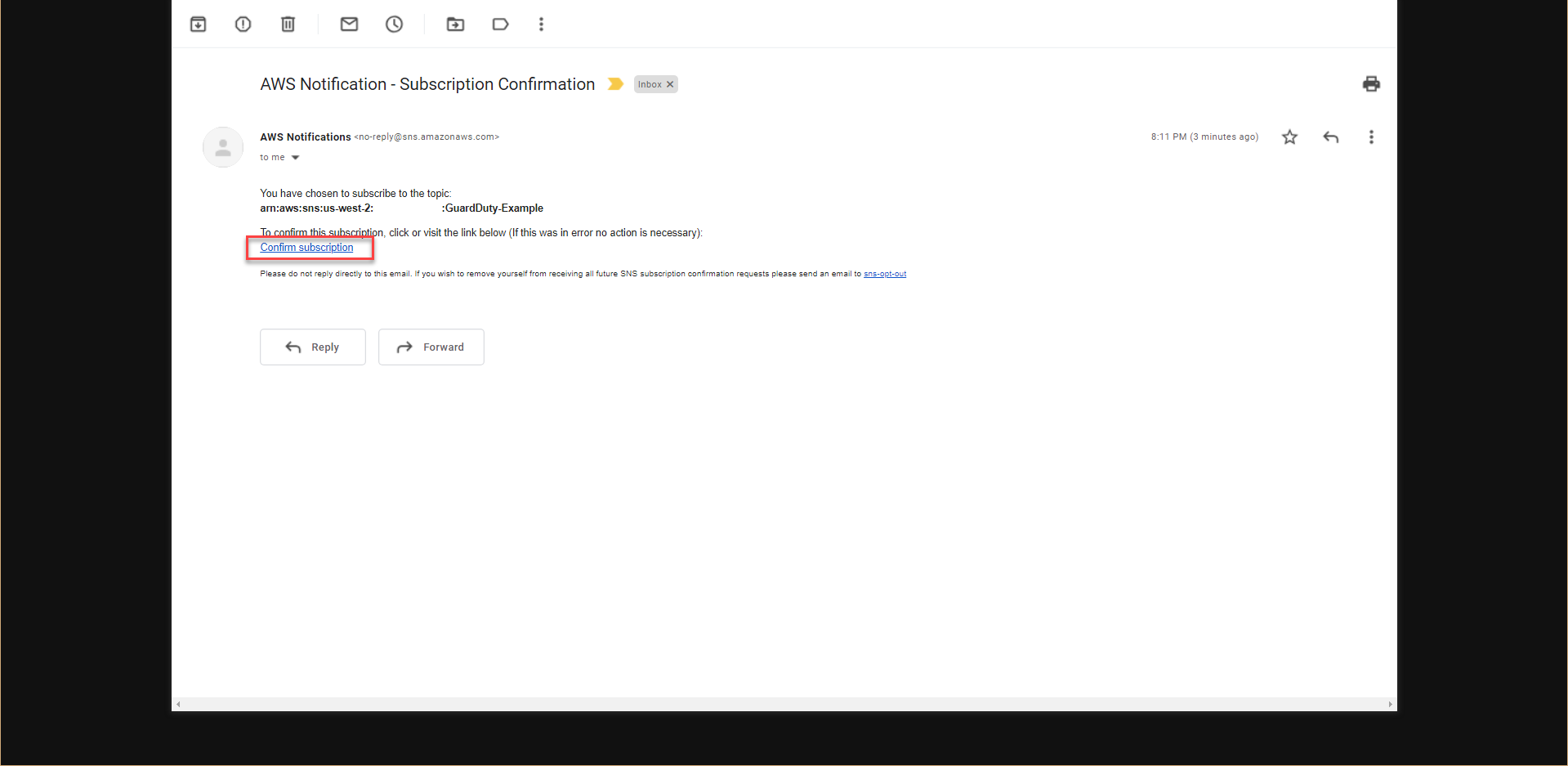
The above process will take 5-10 minutes until we see the status of the Stack as CREATE_COMPLETE. We will receive an email notification with the same subject as AWS Notification - Subscription Confirmation.
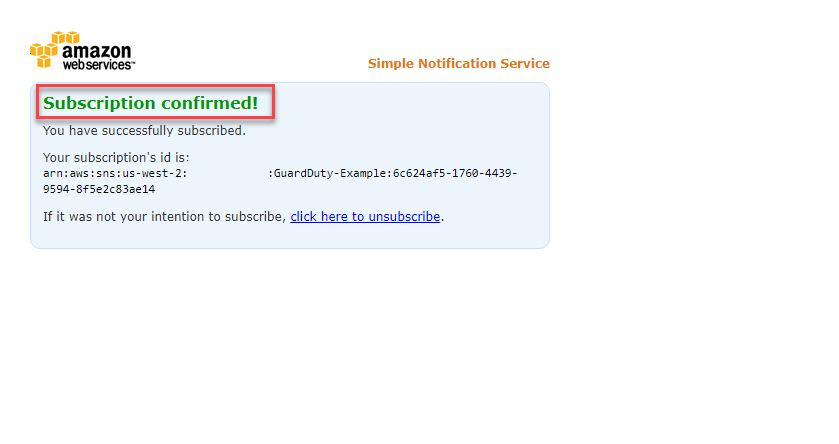
Initial results will start showing 10 minutes after the CloudFormation Stack setup is completed.
AWS Resources Prepared?
CloudFormation Template will prepare us with the following resources:
- EC2 Service:
- 2 instances named
Compromised Instance. - 1 instance named
Malicious Instance.
- 2 instances named
- IAM service:
- 1 IAM Role for EC2 instance with access to SSM Parameter Store and DynamoDB.
- SNS service:
- 1 SNS Topic send notifications via E-mail.
- EventBridge Service:
- 3 EventBridge Events Rules for triggering notifications and remediation process.
- Lambda Service:
- 2 Lambda Functions to fix the vulnerabilities.
- SSM service:
- 1 SSM Parameter Store is used to store the password for the TESTING environment.